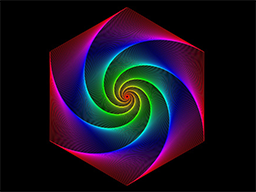
Dynamic ART
Dynamic ART is a graphical programming environment on iPad. It's easy to create amazing
artwork, animations, interactions and music with Dynamic ART. You can also share your creations with your
friends.
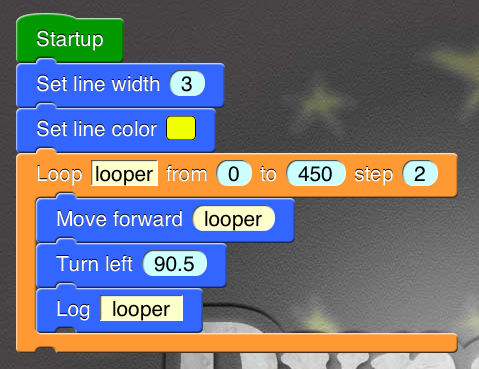
You don't need to study complex syntax of computer languages. You just drag and drop a set of blocks and
connect them together. It will be a fun way to build your own programs.
It can be used for beginners to learn and practice mathematical, computational ideas and creative thinking.
If you have any questions or suggestions, please sent e-mails to codingpotato@gmail.com.
- Multi-programs management.
- Graphical programming by dragging and dropping.
- Program executing flow control and sub-block-sequence reuse.
- Arithmetic operations, simple math functions (abs, sqrt, sin, cos, tan, asin, acos, atan, ln, log, round, floor, ceil, etc.).
- List operations.
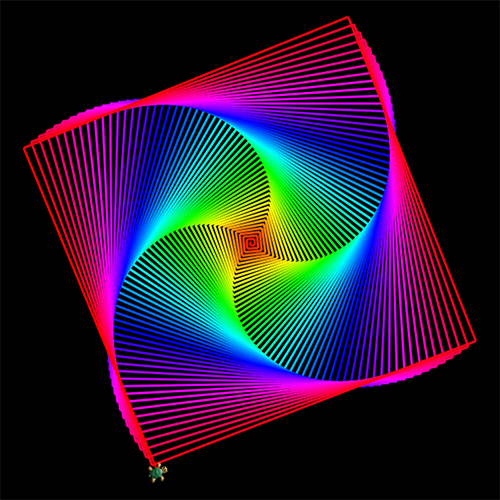
- Turtle drawing similar to Logo Language.
- 2-D sketching (points, lines, rectangles, ellipses, polygens, arcs and Bezier curves).
- RGBA and HSBA color palette.
- Detect the beginning, movement and ending of user touch.
- Play sound and music.
- More detailed images on Retina iPad (2048*1536).
You can try some examples first. Please click button "Open in Dynamic ART" to import the first example.